ATS-Friendly Construction CV: UK Guide and Example
You may have the right site experience, qualifications, and practical skills, yet your CV can still make them difficult to find, and that is why I created this comprehensive guide for you.
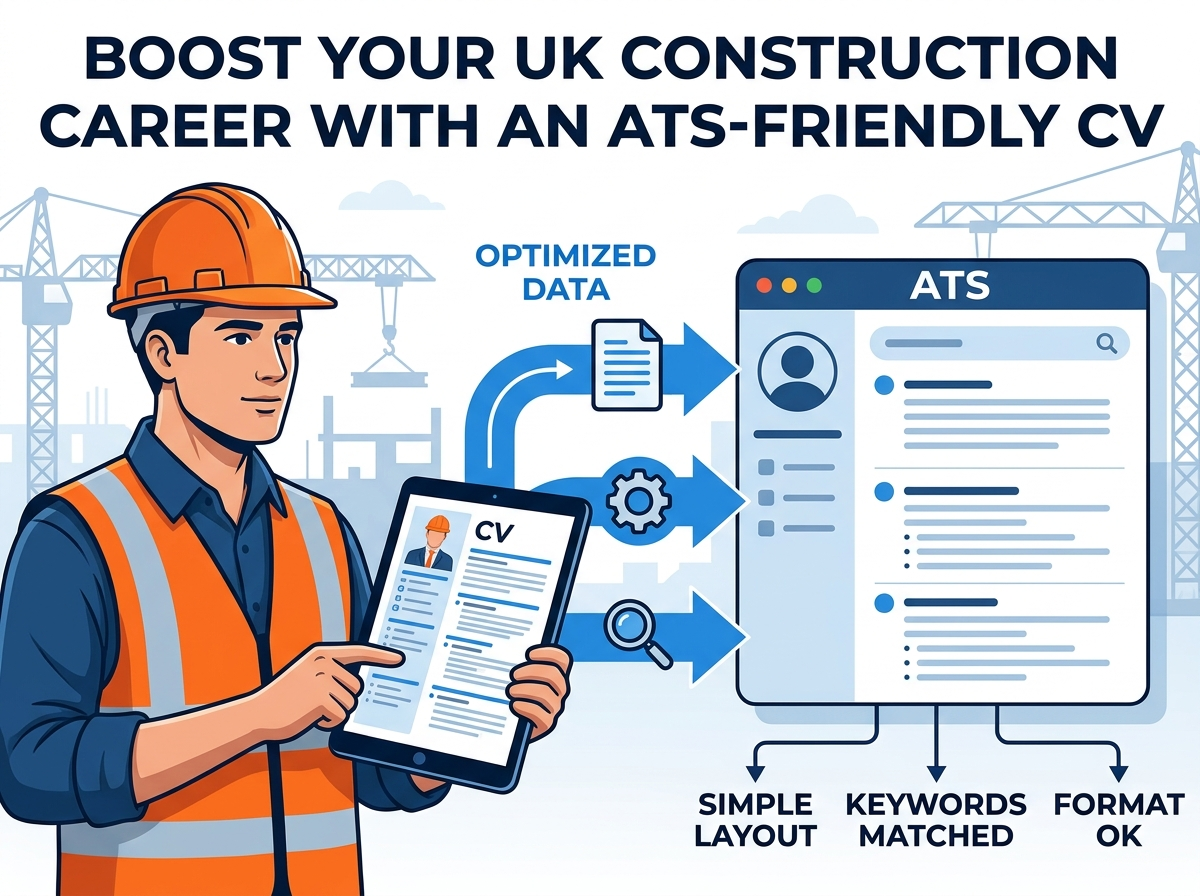
That matters when you apply through a recruitment agency or an employer’s online portal. Recruitment software may extract information from your CV before a recruiter reviews it.
An ATS-friendly construction CV uses a simple layout, clear headings and relevant job-advert keywords. It presents your experience, skills and qualifications as readable text and follows the employer’s file requirements.
This guide explains how to build one, with construction-specific examples and checks you can complete before applying.
What does ATS-friendly mean?
ATS stands for applicant tracking system: software that helps employers organise recruitment.
Depending on the system and its settings, it can:
- Read information: extract details from an uploaded CV into a candidate profile.
- Support searches: help recruiters find candidates using words, job titles, or other fields.
- Apply screening rules: act on answers to application questions.
These are separate functions.
Lever supports searches of parsed CV content, while,
Greenhouse allows employers to configure automatic rejection rules for application answers.
Therefore, formatting is only part of the task. You also need relevant evidence and accurate application answers. A readable CV cannot compensate for an essential qualification you do not hold.
Step by Step Guide On Creating a ATS-Friendly Construction CV
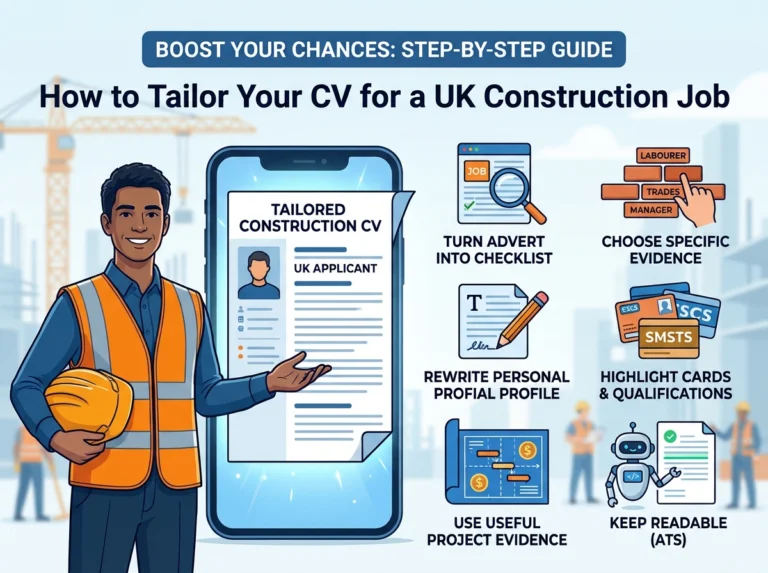
1. Start with a simple CV layout
Use a single column, left-aligned text and clear bullet points. Choose a familiar font, such as Arial or Calibri, at a readable size.
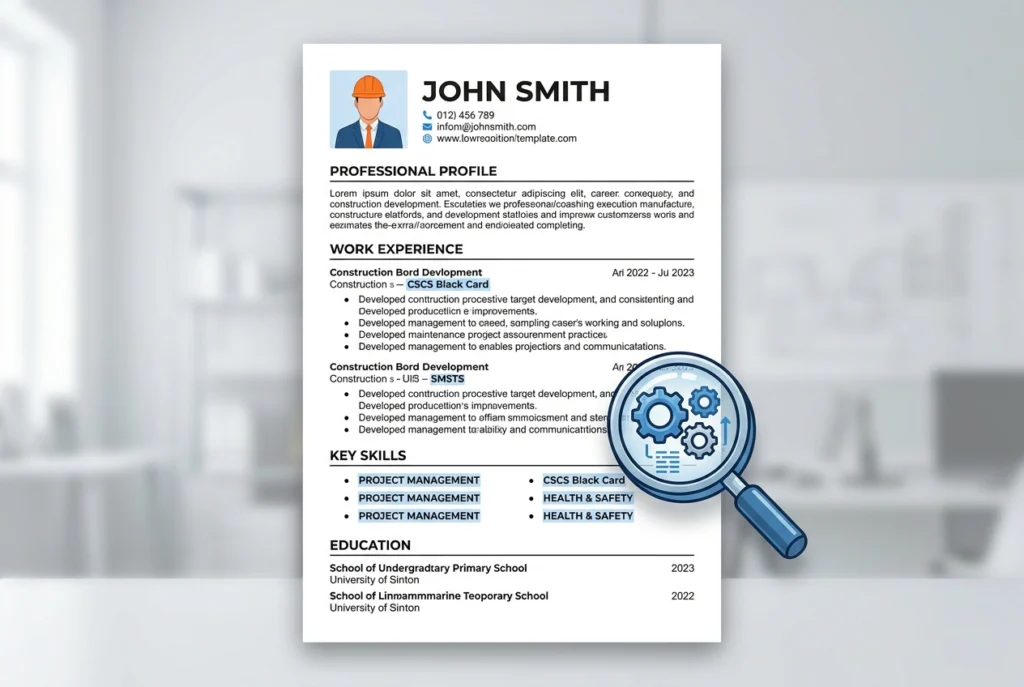
Keep your name, phone number, email, and location in the main document body. Avoid putting important information inside headers, footers, or text boxes.
Use straightforward section headings:
- Professional Profile
- Key Skills
- Work Experience
- Cards and Certifications
- Education and Qualifications
Greenhouse’s parsing documentation identifies columns, complex tables, graphics, and certain placements of contact details as potential problems.
This does not mean every decorated CV is automatically rejected. A simple layout reduces avoidable complications.
Present your skills as words rather than icons or rating bars. “AutoCAD: used to review drawings” explains your ability more clearly than a four-star graphic.
2. Find the construction keywords that matter
Start with the vacancy, rather than a generic keyword list.
Highlight the job title, essential credentials, technical duties, project types and software. Then identify which requirements you can support with your own experience.
The National Careers Service recommends matching your CV to the job and employer.
These examples show how priorities change:
| Construction role | Relevant terms to consider when applying |
| Labourer | Site preparation, material handling, housekeeping, supporting trades |
| Carpenter | First fix, second fix, drawing interpretation, joinery, snagging |
| Site manager | Subcontractor coordination, programme management, quality inspections, SMSTS |
| Quantity surveyor | Cost planning, procurement, valuations, final accounts, contract administration |
| Site engineer | Setting out, surveying, drawing checks, inspections, technical records |
Treat these as prompts, not a list to copy into every CV.
If the advert requests refurbishment experience, specify your refurbishment work. If it names software you have used, include the product name and relevant tasks.
Keep your previous job titles accurate. Explain comparable responsibilities beneath them instead of renaming past roles to match the vacancy.
3. Use keywords naturally and explain abbreviations
Place relevant terms where they help describe your work: your profile, skills, qualifications and employment examples.
For example, replace:
Experienced in managing construction activities.
With an accurate, specific statement such as:
Coordinated subcontractors and monitored programme progress during commercial refurbishment projects.
Write a term in full alongside its abbreviation when helpful:
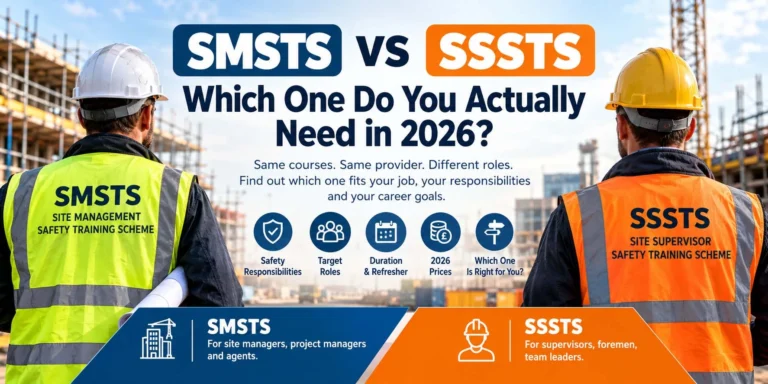
- Site Management Safety Training Scheme (SMSTS)
- Site Supervision Safety Training Scheme (SSSTS)
- Risk assessments and method statements (RAMS)
Match the advert’s wording where it describes your experience. Avoid awkward repetition, hidden white text, or copying the entire job description.
There is no useful fixed keyword count for every construction CV.You aims to make relevant experience clear and searchable while keeping the writing natural.
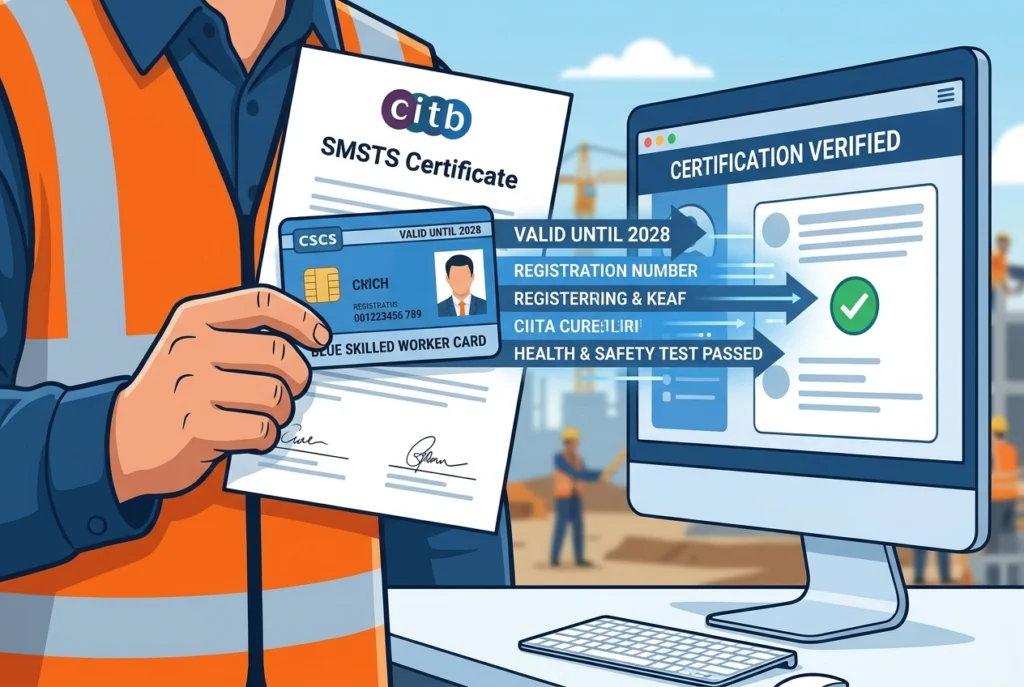
4. List construction cards and certificates accurately
Give relevant credentials their own clearly labelled section.
For each applicable entry, state the exact name, level or occupation, status and expiry date. For plant credentials, include the equipment categories relevant to the vacancy.
For example:
Site Supervision Safety Training Scheme (SSSTS), CITB — expires [month/year].
CITB confirms that SSSTS certificates and SMSTS certificates are valid for five years. Check your own certificate before describing it as current.
For a CSCS card, include the actual card type and relevant occupation, where applicable. CSCS explains that cards are not legally compulsory, although most principal contractors and major housebuilders require them for workers on their sites.
Choose the correct credential for your work. The CSCS Labourer card is for labouring occupations, rather than skilled roles.
Label unfinished training honestly: “booked”, “in progress” or “expected completion [date]”. An expired certificate or booked course should not appear as a current qualification.
5. Show experience behind the keywords
A skills list helps identify relevant terms. Your employment history should explain how you used those skills.
List your most recent job first, including employer, title, location, and dates. Under each role, write short bullets using:
Action + project context + scope or outcome.
These illustrative examples show stronger wording:
- Labourer – “Supported groundworkers on a residential development by preparing materials and keeping designated access routes clear.”
- Site supervisor – “Coordinated three trade teams during an office refurbishment, scheduling work around occupied areas.”
- Quantity surveyor – “Prepared monthly valuations for four subcontract packages and tracked agreed variations in the commercial report.”
Replace the examples with your own facts.
Include genuine project values, team sizes or completed units where useful. Be clear about your responsibility: working on a £10 million project does not mean you managed its entire budget.
If you are new to construction, use relevant college projects, placements or volunteering. Explain what you completed and any supervision received.
6. Use the file format the employer requests
Follow the application instructions first.
Neither PDF nor Word is universally the best choice. For example, Workable accepts both PDF and DOCX CVs, alongside several other formats.
When either is permitted:
- Keep an editable DOCX version.
- Export your PDF directly from the document editor.
- Avoid submitting a photo or scanned image of your CV.
- Check the portal’s file-size limit.
Use a clear filename, such as “Sam-Patel-Site-Supervisor-CV.pdf”.
Keep project photographs and drawings in a separate portfolio where appropriate. Your CV should describe the work in text and provide a relevant portfolio link if useful.
ATS-friendly construction CV example
Use this short structure as a starting point. Replace all placeholders and examples with truthful details.
[Full name]
[Town/city] | [Phone] | [Email]
Professional Profile
Site supervisor with [number] years’ experience in [project type]. Experienced in subcontractor coordination, progress monitoring, and quality inspections. Holds [current relevant credentials].
Key Skills
Subcontractor coordination; programme monitoring; snagging; drawing interpretation.
Work Experience
[Actual job title] | [Employer] | [Month/year–month/year]
- Coordinated [number] trade teams on [project type].
- Completed [relevant inspection or reporting task], supporting [verified outcome].
Cards and Certifications
[Exact credential] — [status and expiry, where applicable].
Education and Qualifications
[Qualification title] | [Awarding institution] | [Completion date].
For an entry-level role, bring relevant education and practical projects forward.
7. Check your CV before uploading
You can perform useful basic checks without buying a CV-scoring tool,
- Select the text. Check that your PDF contains selectable text.
- Copy it into a plain-text document. Look for missing details, scrambled dates, or an incorrect reading order.
- Compare it with the advert. Confirm that the main requirements have clear supporting evidence.
- Review the uploaded application. Correct any automatically filled fields you can edit.
These checks can reveal problems, but they do not prove compatibility with every ATS.
Check application questions separately, including credentials, availability and work permission. Keep your answers consistent with your CV.
Frequently asked questions
Does an ATS reject every CV it cannot read?
No. Greenhouse explains that an unsuccessful parse can leave the CV attached while requiring manual entry of candidate details. Other systems and employer processes may differ.
How long should a construction CV be?
Usually one or two pages, depending on experience. Prospects recommends keeping most CVs within two A4 pages while recognising exceptions. Page count alone does not establish ATS compatibility.
Can a CV checker guarantee an interview?
No. Treat its feedback as suggestions about presentation and matching. It cannot guarantee how an employer will assess your experience or application.
Final checklist
Before applying, make sure your CV has a simple layout, clear headings and relevant keywords supported by real examples. Check that your job titles, dates, and credentials are accurate, and that certificate statuses and expiry dates are up to date. Use an accepted file format with readable text, and confirm that your contact details and application answers are correct. Start with the job advert, make your relevant experience easy to find, and review the uploaded CV before submitting.